How to Continue an On-Demand Course

Apr 01, 2026
 5
5
Follow the steps below to resume an On-Demand course you have already started:
Option 1: From the Homepage
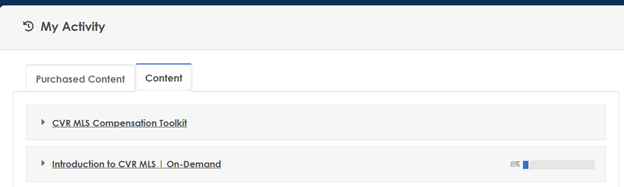
- Log in to Learning.rarealtors.com.
- On the homepage, scroll to the My Activity section.
- Select the Content tab.
- Locate your course in the list and click to continue
Option 2: From Your Profile
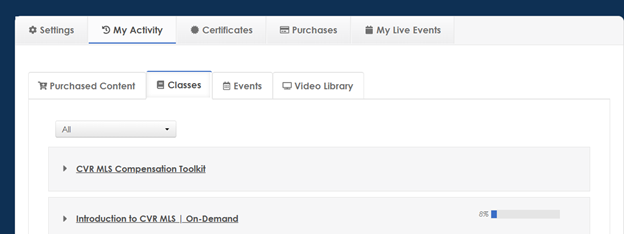
- Log in to Learning.rarealtors.com.
- Click your name in the upper-right corner.
- Select My Activity.
- Click the Classes tab.
- Choose your course from the list to continue.